Configure Bootstrap with Angular 2, Webpack and Spring – Tutorial
I update the reference Angular/Java application for this blog (<https://angular.cafe>) adding Bootstrap.
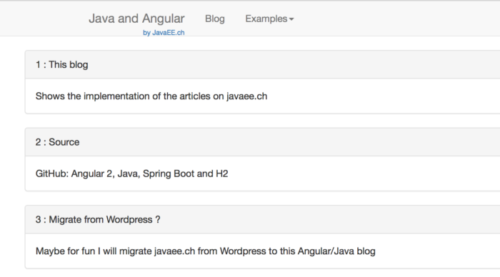
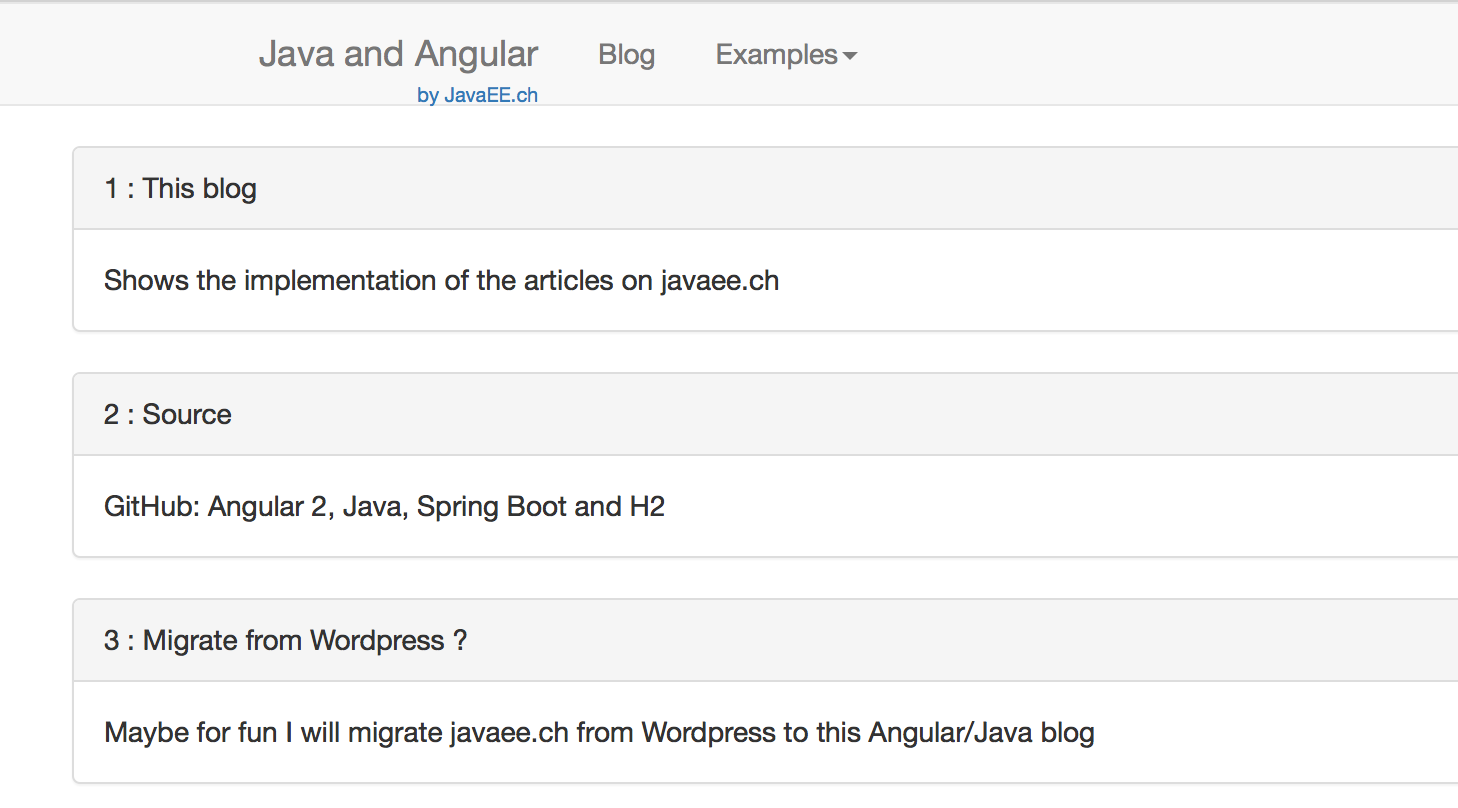
The new homepage is now like this:
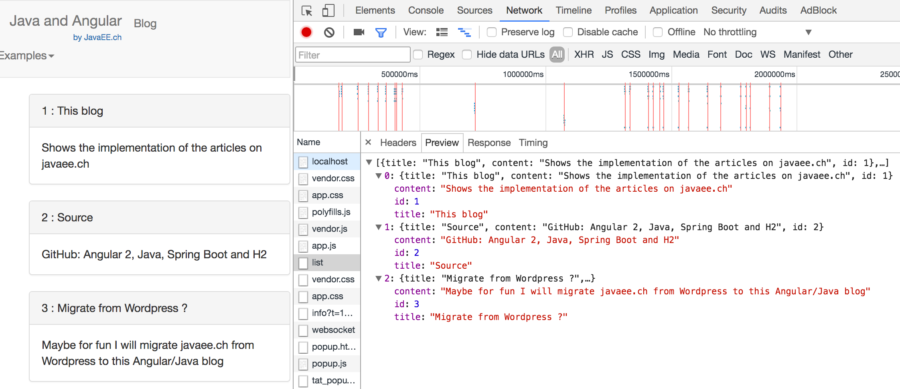
The data comes from an H2 database deployed with the application.
To use Bootstrap this step are required:
in package.json add the dependency to bootstrap
"bootstrap": "3.3.7", "jquery": "3.1.1"
or import it with npm install bootstrap@3 -save
and npm install jquery -save
I didn’t import Bootstrap 4 because is still in alpha version.
We have to tell to webpackage to import the files in the distribution package. In vendor.ts add:
// bootstrap import 'jquery'; import 'bootstrap/dist/js/bootstrap'; import 'bootstrap/dist/css/bootstrap.min.css';
in webpack.common.js I added the ‘synonyms’ of jquery:
new webpack.ProvidePlugin({ jQuery: 'jquery', $: 'jquery', jquery: 'jquery' })
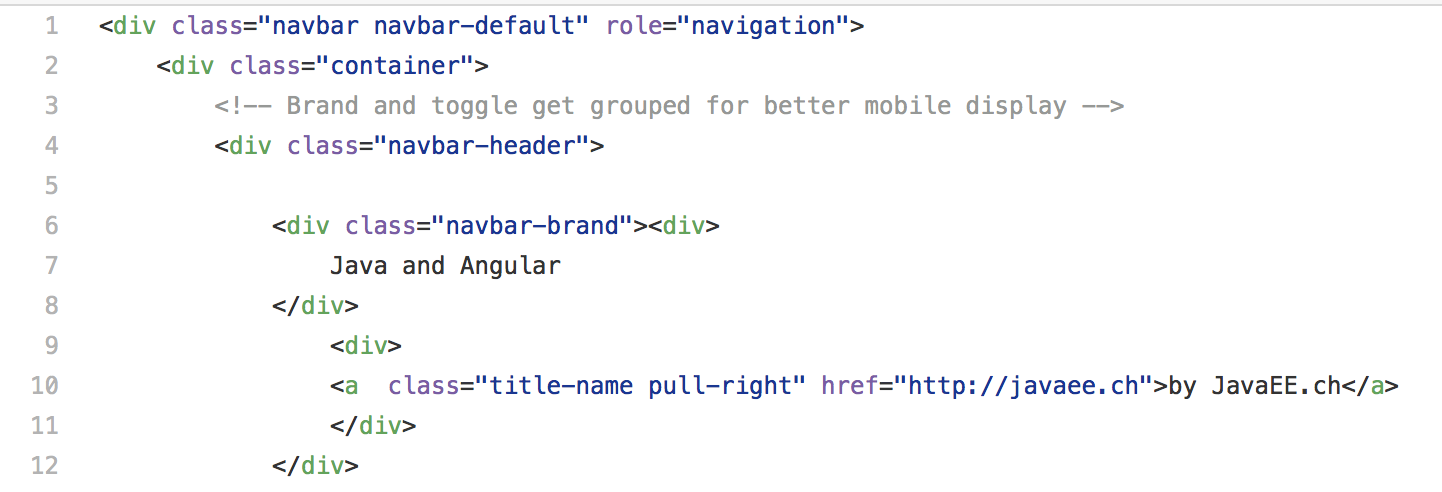
I created a menu component that contains the bootstrap tags:
You can see the content here: <a href="https://github.com/marco76/SpringAngular2TypeScript/blob/master/webClient/src/app/html/menu.html" target="_blank">home.html</a>
The component menu.component.ts is self explanatory:
import {Component} from "@angular/core";

@Component({
    selector : 'bootstrap-menu',
    templateUrl :'../html/menu.html'
})
export class MenuComponent {
constructor(){
}}
To reuse the same menu in every page I call the menu component from the app.component.ts that is the main component of the module:
    @Component({
    selector: 'my-app',
    template: `<bootstrap-menu></bootstrap-menu>
       <router-outlet></router-outlet>
    `,
    providers: [HttpModule, ConstantsService, Location]
    })
the template calls the bootstrap menu <bootstrap-menu> followed by the component called by the router.
In the developer console you can see the data sent by the server: