Deploy a Java Web App in DigitalOcean using GitHub Actions
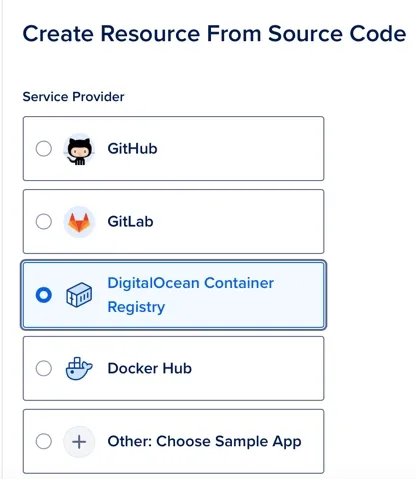
I'm not a user of DigitalOcean, but I quickly tried if it's easy to deploy directly from GitHub.
To deploy the Spring application I choose the 'App Platform', it's a Fully Managed infrastructure that should allow the developer to deploy directly from the code in few minutes.
I'm using a similar solution on other cloud platforms, and I was curious to see if DigitalOcean is a good alternative.
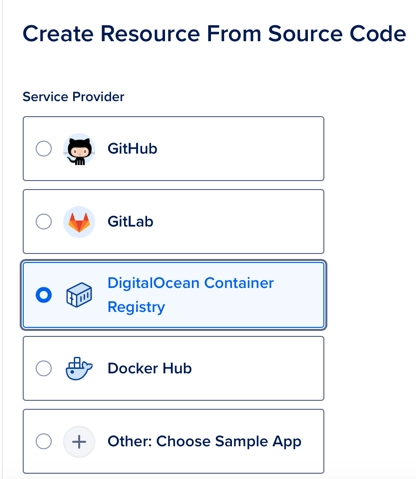
I didn't succeed to deploy 'directly' from the GitHub code. The solution that I implemented requires DigitalOcean Container Registry, this receives the images built by GitHub Actions and deploys the new image to the App.
The GitHub Actions file is like this (folder [.github/workflows]:
name: Build and deploy JAR app - marco-dev

on:
  push:
    branches: [feature/test-do]
  pull_request:
    branches: [feature/test-do]

  workflow_dispatch:
      inputs:
        version:
          description: 'Image version'
          required: true

jobs:
  build:
    runs-on: ubuntu-latest

    steps:
      - uses: actions/checkout@v2

      - name: Set up Java version
        uses: actions/setup-java@v1
        with:
          java-version: '21'

      - name: Build with Maven
        run: mvn clean install

      - name: Build container image
        run: docker build -t registry.digitalocean.com/marco/java-example:1 .

      - name: Install doctl
        uses: digitalocean/action-doctl@v2
        with:
          token: ${{ secrets.DIGITAL_OCEAN }}

      - name: Log in to DigitalOcean Container Registry with short-lived credentials
        run: doctl registry login --expiry-seconds 600

      - name: Push image to DigitalOcean Container Registry
        run: docker push registry.digitalocean.com/marco/java-example:1
The Dockerfile in the project root was :
FROM eclipse-temurin:17-jdk
RUN mkdir /opt/app
COPY ./target/*.jar /opt/app/myApp.jar
CMD ["java", "-jar", "/opt/app/myApp.jar"]
GitHub Actions build the Image and deliver it to the container that automatically publish the new version when.
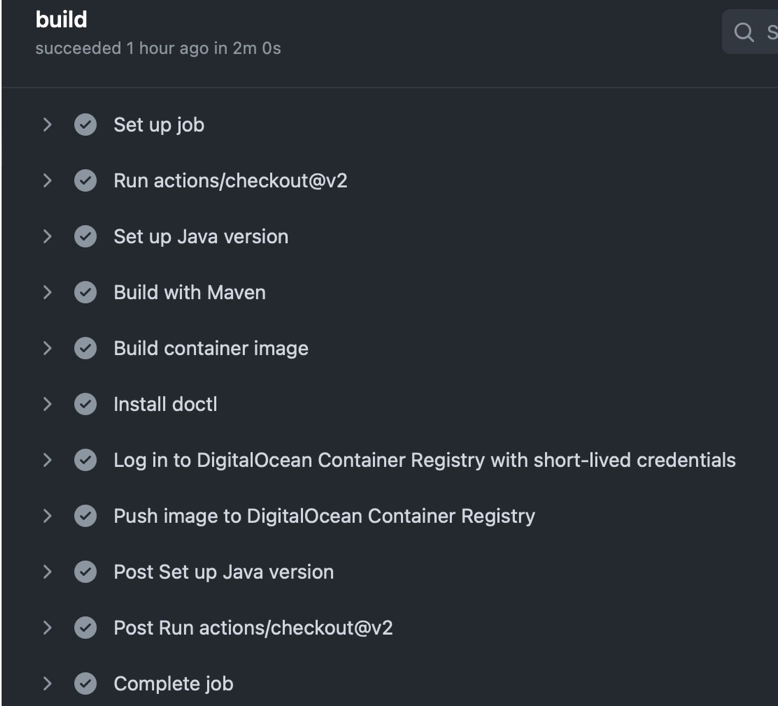
This is more a personal note in case I will try this experiment again in the future or if somebody needs some help.
For this reason I won't spend a lot of time in details, you can contact me if you need help.
My first impression is that
- The App Platform is easier for node and web applications. Java requires a build and a deployment phase, this requires more steps.
- The free Repository capacity is very limited (500 MB), a script or a regular cleanup is required. Often the Docker images are more than 250MB.
- DigitalOcean is a good alternative to other providers, but the options are limited.
- In the App Platform https and certificates where already included in the package.
If you need help or a video to show how to deploy your Java application in DO, ping me on LinkedIn or on GitHub.